Top 10 Features Every Workforce Management Software Should Have in 2026
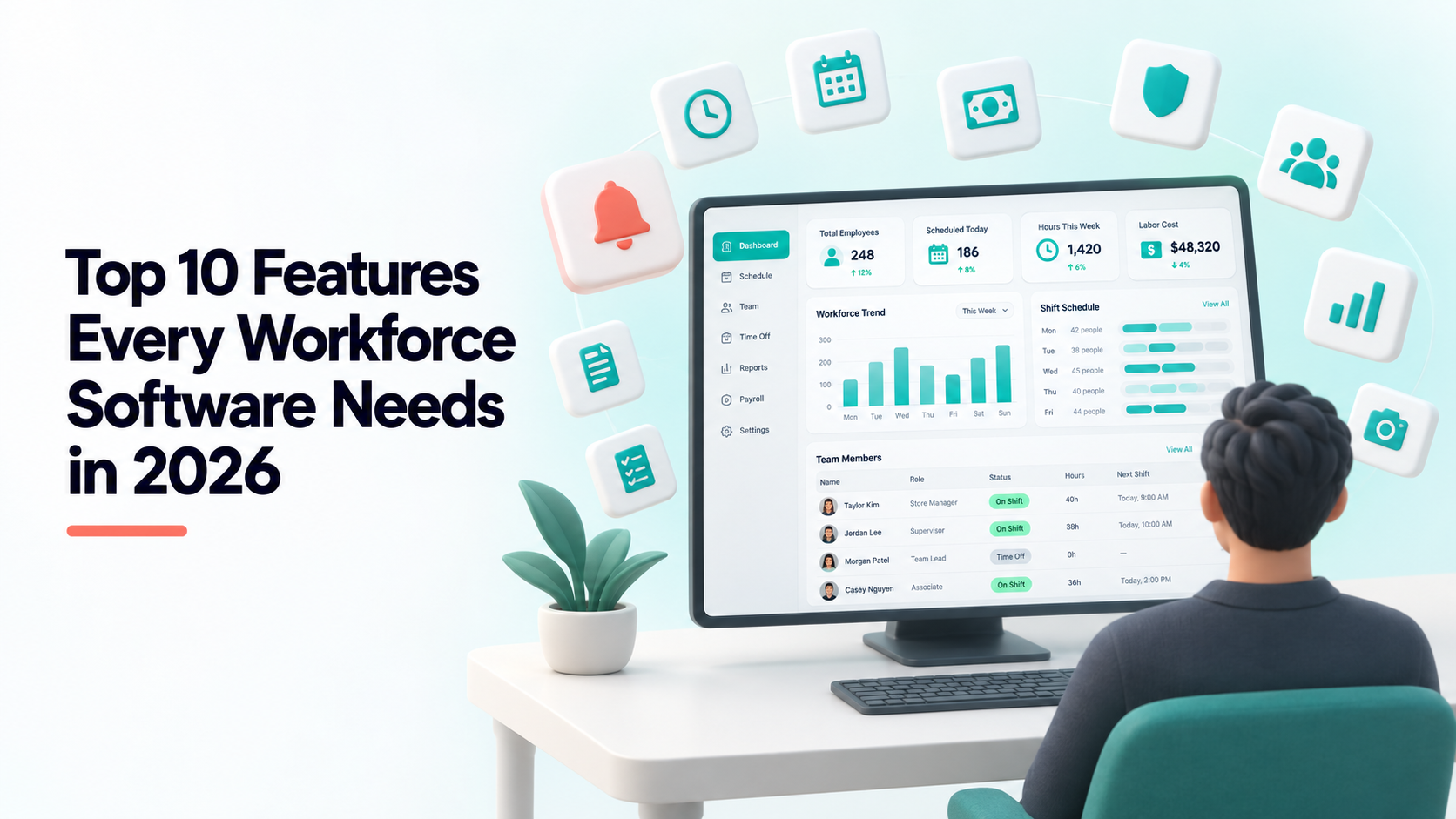
Feature lists are the least useful part of most software comparisons, because every vendor claims every box. What follows is ordered by how much each capability actually changes a workday, with a note on how to tell a real implementation from a checkbox one — and what Shiftena does for each.
1. Attendance capture at the moment it happens
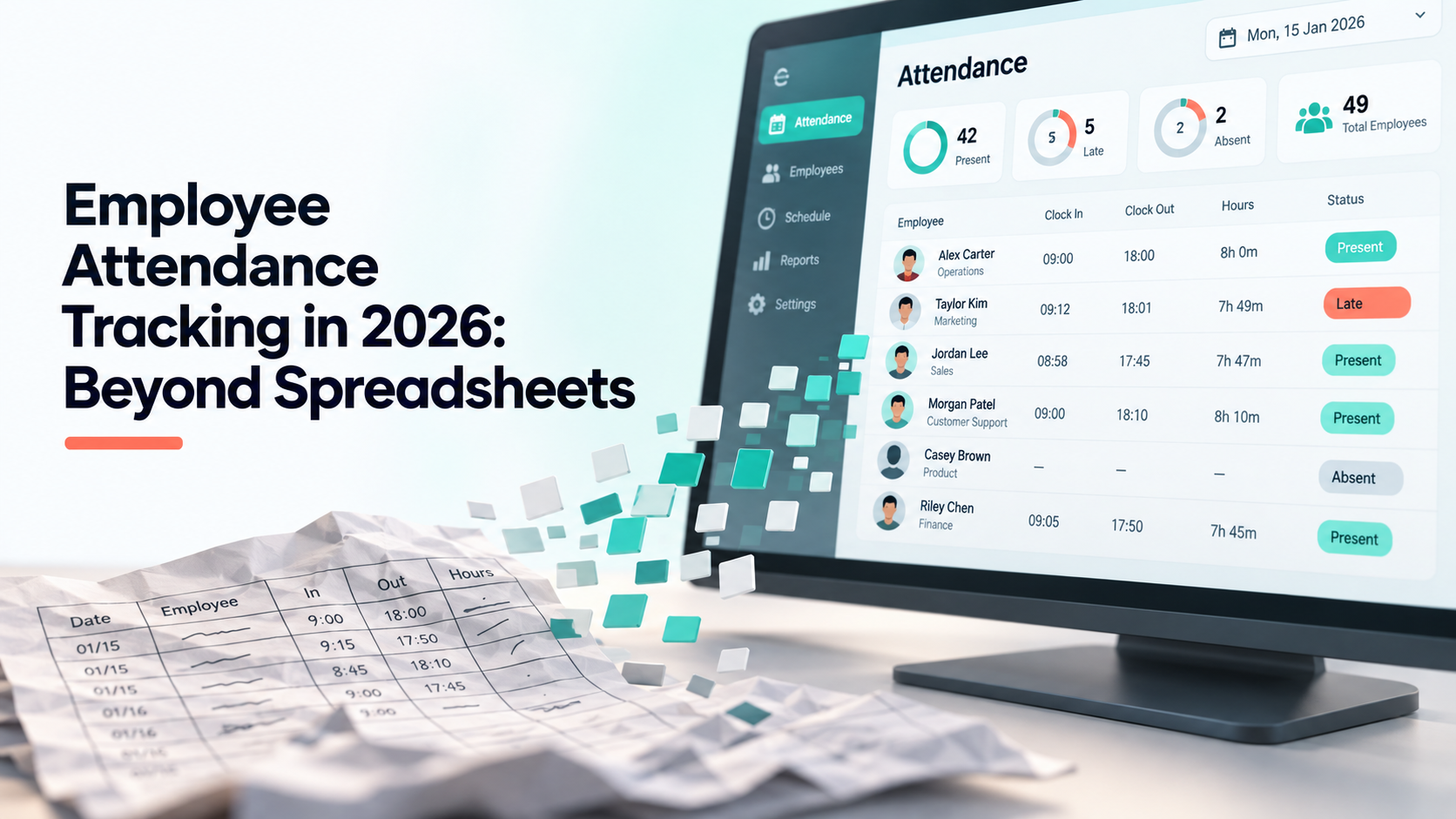
A check-in recorded when it happens is data; one recalled on Friday is an estimate. Everything downstream — payroll accuracy, absence patterns, overtime — inherits the quality of this one step.
How to test it: ask what happens when someone forgets to clock out. A system that leaves the shift open forever, or silently records a 14-hour day into payroll, has not thought about the common case. Shiftena flags those shifts into a review queue with the original timestamps intact.
2. Leave that feeds attendance automatically
This is the single most underrated feature in the category. If approved leave does not mark the day in the attendance record, somebody reconciles two lists by hand every month — and that reconciliation is where payroll errors come from.
How to test it: approve a leave request and look at the attendance screen for that day without touching anything else. In Shiftena, leave, holidays and attendance are the same timeline, so approval marks the day immediately.
3. Payroll computed from attendance, not imported into it
Most “integrations” are a CSV export and a re-import. Every export is a chance for two systems to disagree, and you discover the disagreement when an employee queries a payslip.
How to test it: change one attendance record and see whether the payroll figure moves without a re-sync. Shiftena computes salary profiles against the same attendance rows the attendance page shows — there is no intermediate file.
4. Granular, per-team permissions
Two-role systems — admin and employee — force you to over-grant access. Once you are past about fifteen people, a team lead needs to see their own department and nobody else’s, and that is an access-control problem, not a reporting filter.
How to test it: ask whether a lead can be given attendance access scoped to one department. Shiftena separates the two axes deliberately: a role decides what someone can do, and team access control decides whose data they can do it to.
5. Employee self-service
If people cannot see their own record, every question becomes a manager interruption and every discrepancy becomes a dispute. Self-service is also the cheapest thing you can do for adoption: most anxiety about tracking is anxiety about an invisible record being used in decisions about you.
How to test it: ask for a demo of the employee view, not the admin dashboard. Shiftena gives every employee check-in, leave requests, holidays and their own task list without a manager in the loop.
6. Time tracking with proof of work
For agencies billing by the hour, or teams working fully remote, tracked sessions with periodic screenshots turn “trust me” into evidence. It is also the most socially expensive feature in this list — deploy it where a contract requires it, not as a default.
How to test it: ask what employees see about their own tracking, and how long captures are retained. Shiftena’s tracker records sessions and periodic screenshots per project, and retention is a setting you control rather than an indefinite archive.
7. Work boards that operations people will actually use
Attendance tells you who showed up; boards tell you what they were meant to be doing. Keeping both in one system is what lets you answer “is anyone overloaded” rather than just “is anyone late”.
How to test it: ask whether tasks and attendance share the same employee record. Shiftena has kanban task boards plus spreadsheet-style Work-Grid boards, and a workload view that lists people with the work currently on their plate.
8. Contract generation from employee data
A small feature that removes a recurring hour of copy-paste and a recurring class of error — wrong salary, wrong start date, wrong name in clause 7.
How to test it: ask whether contracts pull from the employee record or from a form you re-fill. Shiftena renders signed-ready PDFs from the employee profile, available from the Starter plan up.
9. AI summaries that reduce reading, not increase it
The useful version answers “what happened and what needs attention” in a paragraph. The useless version restates the dashboard in prose.
How to test it: read one. If it tells you something you would have missed, it works. Shiftena generates daily digests from attendance, leave and work output, and analyses recorded work sessions so nobody has to watch them.
10. An audit trail on every correction
Records get corrected, and that is normal. What matters is that the correction is recorded as a correction: original value, new value, who changed it, when. Without it, your compliance story is “trust the admin”.
How to test it: edit a record, then try to find out what it used to be. If you cannot, neither can an auditor.
The two questions that matter more than the list
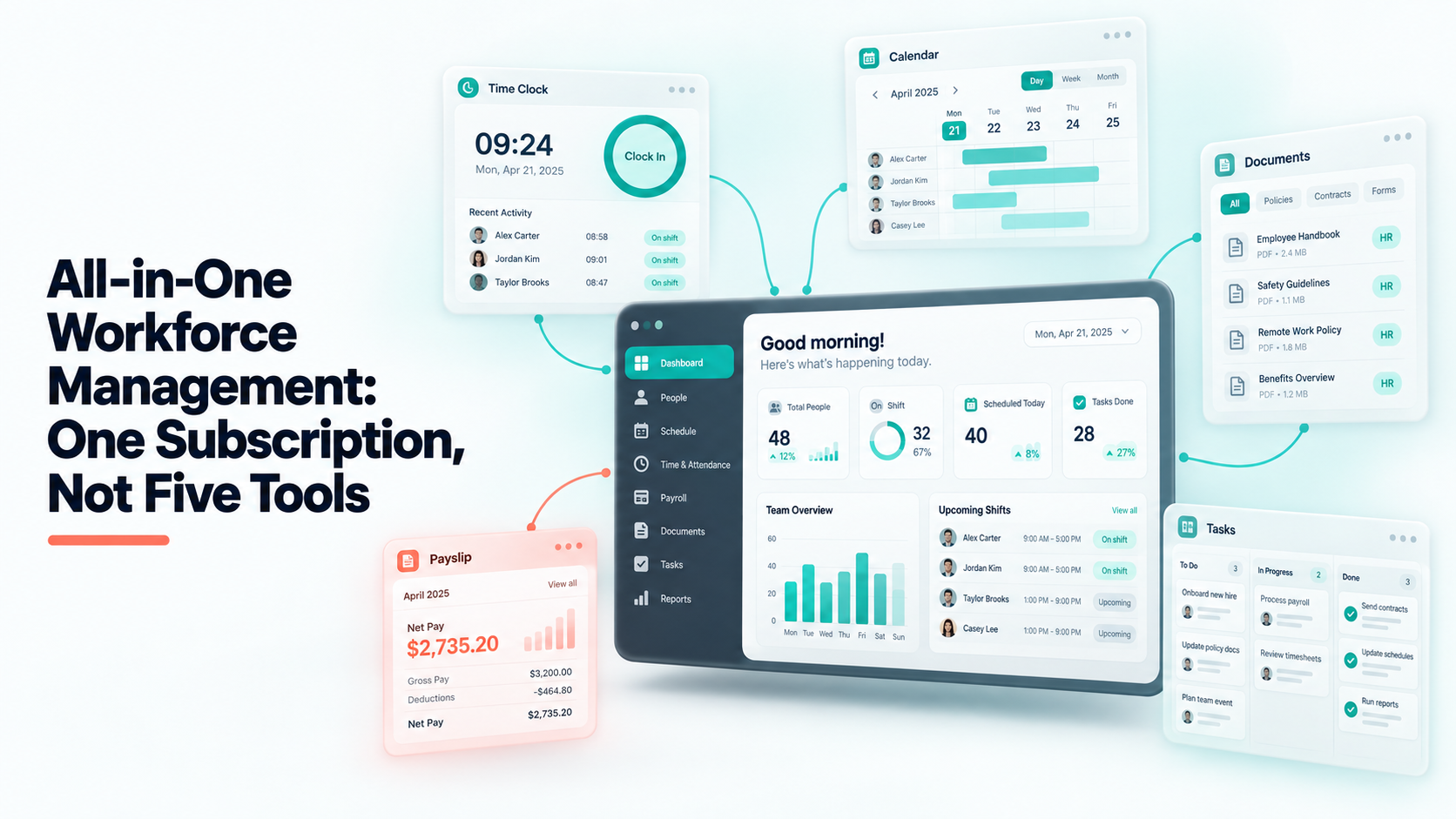
First: how many of these are included rather than billed per module? A suite priced per capability is a stack of tools with shared billing. Shiftena includes attendance, leave, payroll, boards, teams, permissions and self-service on every plan; tracking, video insights, contracts and Work-Grid unlock by tier rather than as add-ons.
Second: do they share one employee record? Features that integrate are still separate systems. Features that share a row are one system.
Compare the plans, or set up a workspace and check the list yourself — it is free for 30 days and does not need a card.
Read next