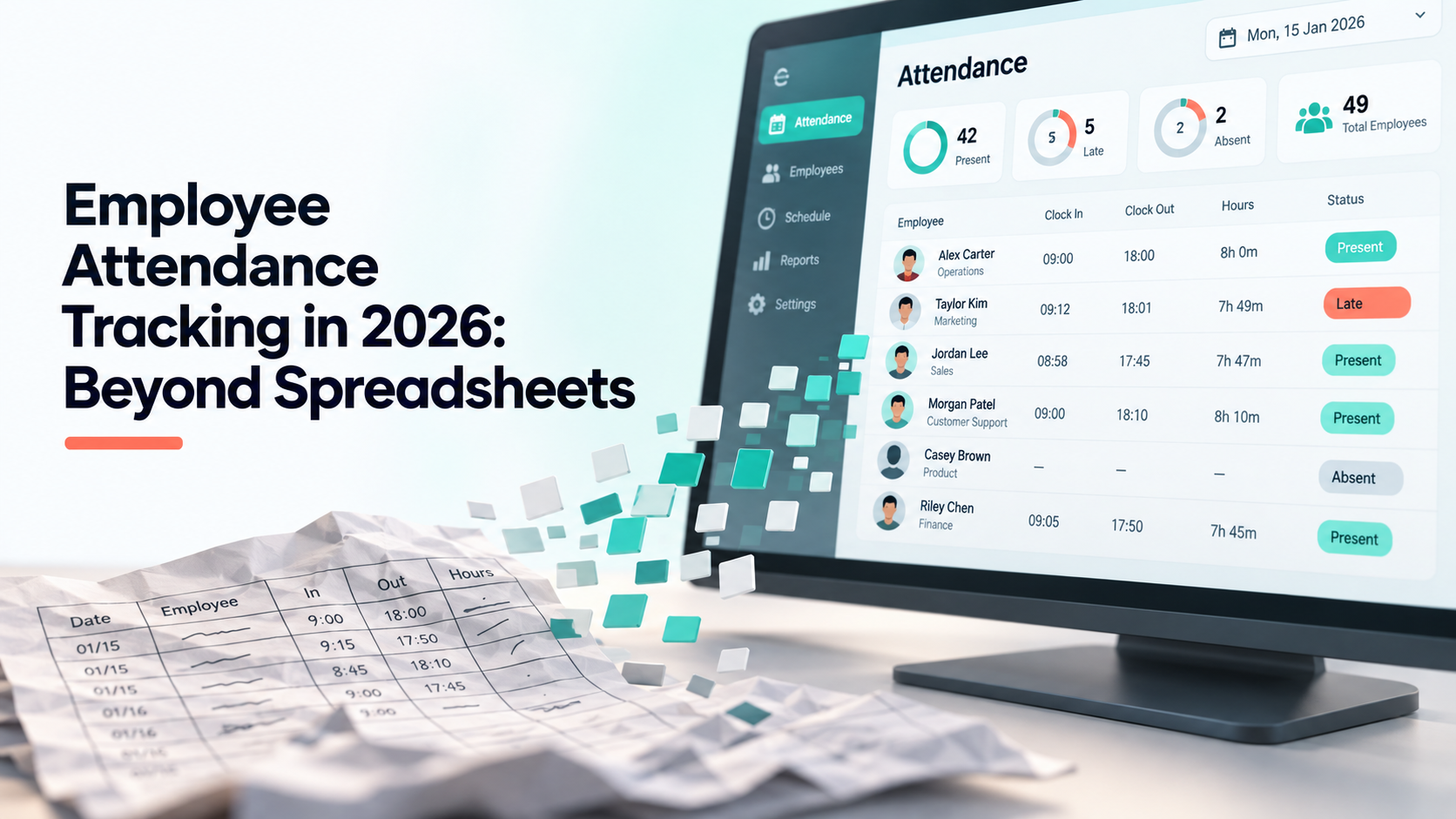
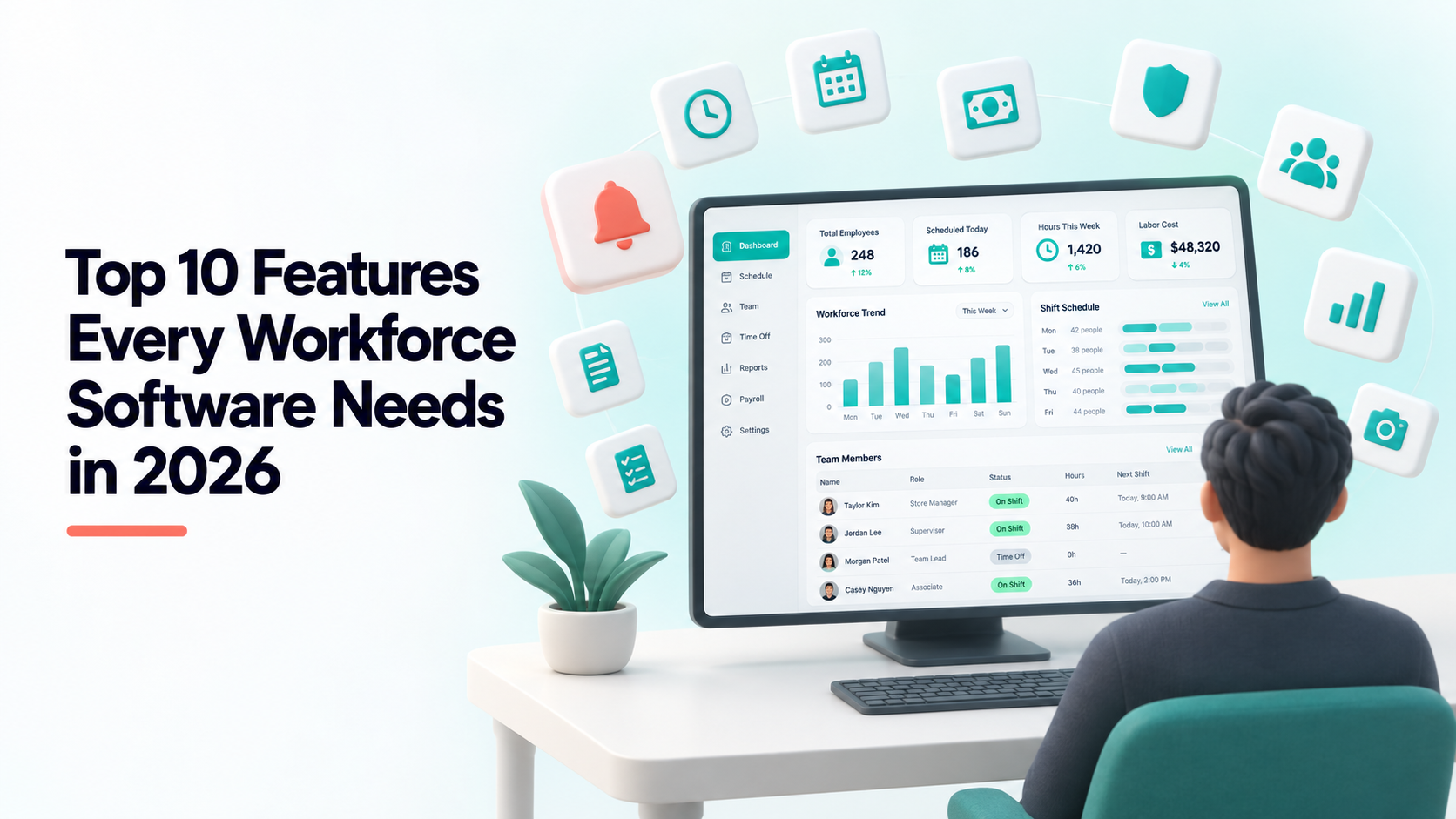
All-in-One Workforce Management Software: Why One Subscription Beats Five Tools
The average small company runs its workday across five tools: attendance in one, leave requests in chat, payroll in a spreadsheet, contracts in a document folder, and project work in a separate board app. Each one is defensible on its own. Together they cost more than anyone adds up, and not mostly in subscription fees.
This is a look at what the fragmentation actually costs, and what changes when the workday lives in one system.
The real cost is reconciliation, not licences
Five tools at $8–15 per user per month is roughly $50 per person. That is the visible number, and it is the smaller one. The larger cost is that none of the five agree with each other, and somebody has to make them agree every month.
- Approved leave does not reach the attendance record. Someone exports one, filters the other, and marks the days by hand.
- Payroll reads a CSV, not the source. Every export is a moment where the two systems can diverge, and the divergence is only found when an employee disputes a payslip.
- Nobody is deprovisioned properly. A leaver is removed from three of the five tools. The other two keep their access for months.
- The same person exists five times. Five profiles, five spellings of the same name, five sets of permissions that drift apart.
A finance lead spending two days a month on this is not unusual, and that is the expensive part of the stack.
What “one subscription” actually has to mean
Plenty of vendors sell a “suite” that is really several products behind one invoice, each with its own employee list and its own add-on price. That is the same fragmentation with better billing. Three things distinguish a real single system:
One employee record, everywhere
The person you add once appears in attendance, leave, payroll, contracts and boards — with one set of permissions. Not synced. The same row.
Numbers computed from the source, not imported
Payroll hours should be calculated from the attendance rows themselves. If the pipeline involves an export, you still have two systems; you have just moved the seam.
No per-module pricing
If time tracking is an add-on and contracts are an add-on, the “all-in-one” price is a starting bid. Check what the plan costs with everything you actually intend to use switched on.
What Shiftena includes, and where the lines are
Being specific, because vague capability lists are how buyers get surprised. Every plan includes the operational core:
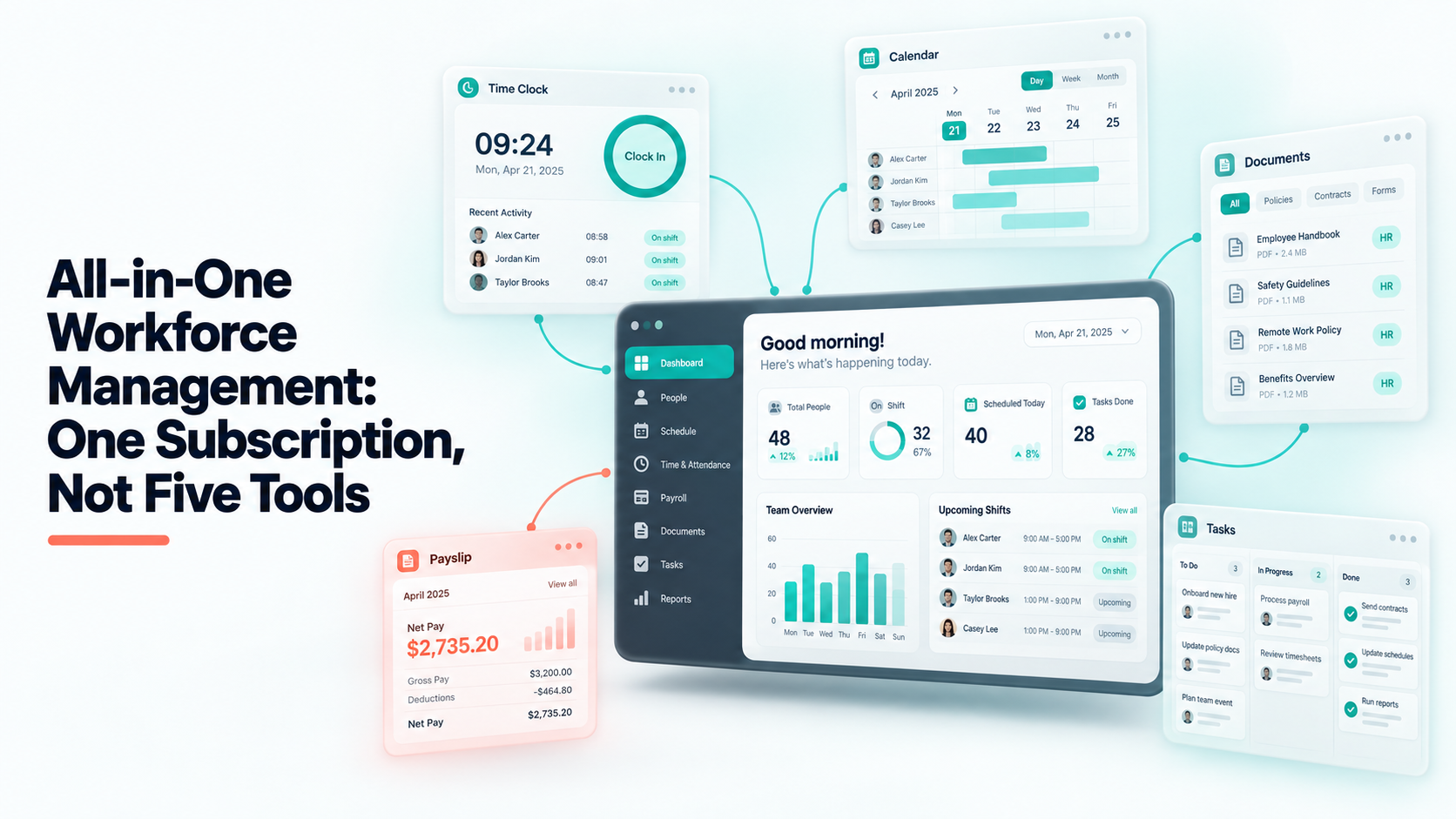
- Attendance — one-tap check-in, live statuses, work duration, and a review queue for shifts that need a second look.
- Leave and holidays — requests, approvals and a company holiday calendar that marks attendance automatically.
- Payroll and salary profiles — computed against real attendance rather than a re-imported timesheet.
- Task boards and daily tasks — what people are meant to be doing, next to whether they showed up.
- Teams, roles and granular permissions — a team lead sees their own department; HR sees everyone. Access is scoped per team, not just per role.
- Employee self-service — your people check in, request leave and see their own record without a manager in the loop.
Four capabilities unlock by plan rather than costing extra per module: the contract generator from Starter up, and time tracking with screenshots, video recording with AI daily digests and Work-Grid boards on the higher plans. The distinction matters: you are choosing a tier, not assembling a bill.
And the honest limits. Shiftena does not do biometric terminals, multi-site shift rota planning, or applicant tracking. If those are central to your operation, a specialist tool will serve you better — and this is the kind of thing worth knowing before a trial, not after.
Where consolidation does not pay
Two cases where keeping separate tools is the right call:
You have one deep requirement and it is unusual. Complex union rules, multi-country payroll filing, regulated scheduling. A generalist will not match a specialist here, and bending one into shape costs more than the second subscription.
The incumbent is genuinely working. Migration has a real cost — setup, parallel running, retraining. If the current stack is not causing monthly pain, “fewer logos” is not by itself a reason to move.
The case for consolidating is strongest when you are reconciling data by hand every month. That is a symptom of a seam between systems, and it is the one thing a single system genuinely removes.
How to evaluate it in a week
Pick the month you are currently reconciling. Set up the same people and the same holiday calendar in the new system, run a week in parallel, and then produce payroll numbers from both. If they match, the seam is gone. If they do not, the differences tell you precisely where your current stack is losing information.
Shiftena is free for 30 days with no card — long enough for a full parallel cycle. See what each plan includes, or follow the getting started guide to stand up a workspace in an afternoon.
Read next