Employee Attendance Tracking in 2026: The Complete Guide to Ditching Spreadsheets
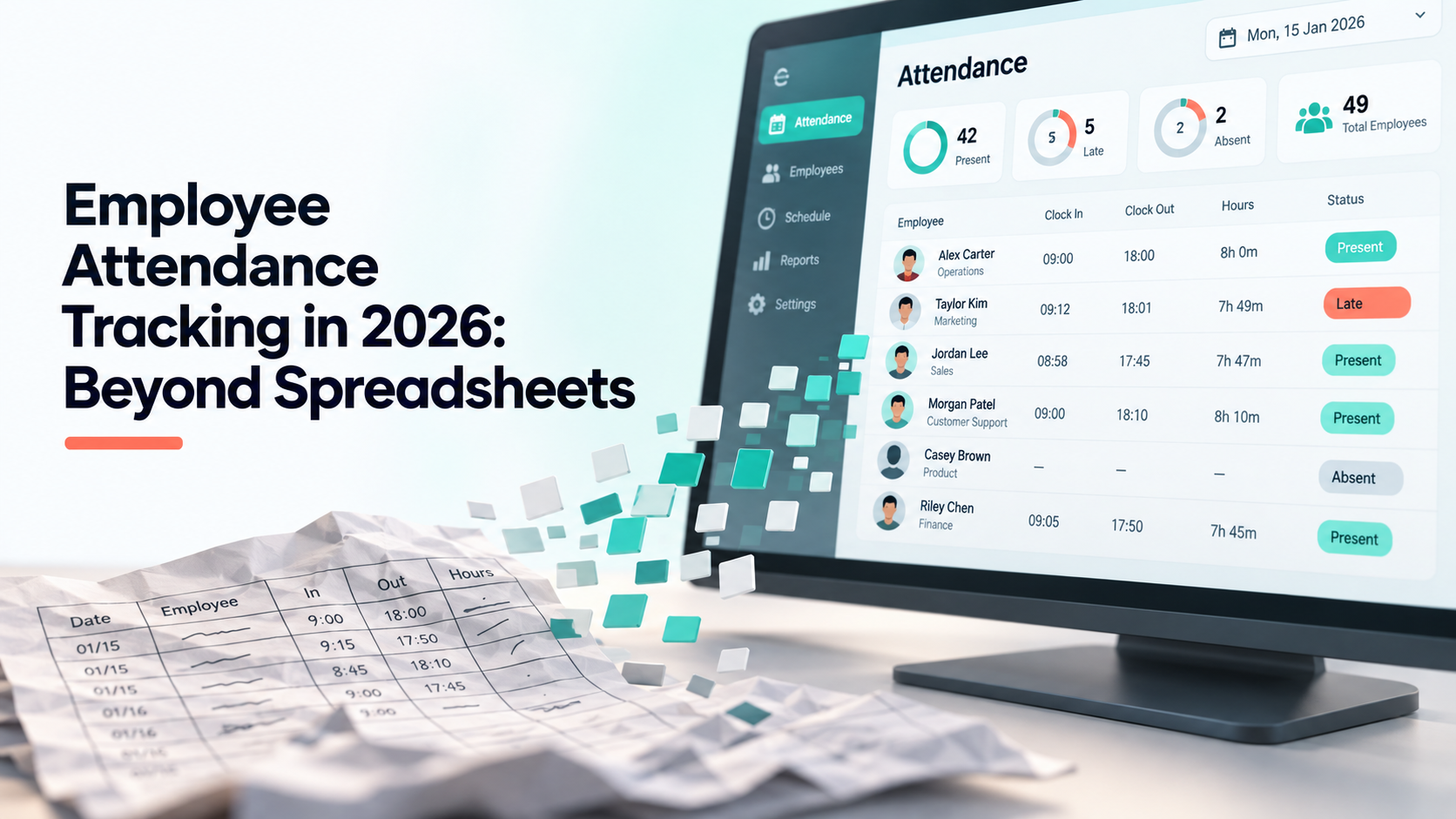
Most small companies track attendance in a spreadsheet, and most of them know it is not working. The file is usually fine for the first year. It stops being fine at the point where one person can no longer hold the whole month in their head — and by then the spreadsheet has become the system of record for payroll, which makes replacing it feel risky.
This is a practical guide to getting out of that, written around what actually breaks rather than a feature list.
Why the spreadsheet stops working
It is worth being specific, because “spreadsheets do not scale” is too vague to act on. Four things break, usually in this order:
- Entry drifts from reality. Hours get typed in at the end of the week from memory. Nobody is lying; people genuinely do not remember whether Tuesday started at 9:00 or 9:25. The error is small per row and material per month.
- Corrections leave no trace. Someone edits a cell. There is no record of what it was before, who changed it, or why. When an employee disputes a paycheck, there is nothing to look at.
- Leave lives somewhere else. Holidays are in a chat thread, sick days are in email, and the attendance sheet does not know about either. Reconciling them is a monthly manual job.
- It has exactly one owner. The formulas make sense to the person who wrote them. When that person is on leave — or leaves — payroll becomes an archaeology project.
Notice that none of these are solved by a better spreadsheet. They are all consequences of the record being editable, unlogged and detached from the events it describes.
What a working attendance process needs
Before comparing tools, it helps to know what you are actually buying. In practice there are five requirements, and most of the market meets the first two.
1. Capture at the moment, not at the end of the week
A check-in recorded when it happens is data. A check-in recalled on Friday is an estimate. This is the single biggest accuracy improvement available, and it does not depend on which vendor you pick.
2. An immutable trail behind every change
Attendance records get corrected — someone forgets to clock out, a manager fixes it. That is normal and fine. What matters is that the correction is recorded as a correction: original value, new value, who made it, when. A system where an admin can silently rewrite history is not much better than the spreadsheet.
3. Leave and holidays in the same system
If approved leave does not automatically mark the day, someone is reconciling two lists by hand every month. That reconciliation is where payroll errors come from. Treat “does leave feed attendance automatically?” as a disqualifying question, not a nice-to-have.
4. Payroll that reads the attendance data directly
The most common hidden cost is exporting attendance to CSV and re-importing it somewhere else to calculate pay. Every export is a chance for the two systems to disagree. If the payroll figure is computed from the same rows the attendance screen shows, that entire category of error disappears.
5. Permissions that match your org chart
A team lead should see their own team. HR should see everyone. Finance should see hours but not necessarily performance notes. If the tool only has “admin” and “employee”, you will end up giving too many people too much access, which is a compliance problem waiting to happen.
The migration, in the order that actually works
The mistake is switching everything on a Monday and hoping. Run the two systems in parallel for one cycle instead.
- Week 1 — set up, do not enforce. Load your people, roles and holiday calendar. Let check-ins happen but keep running the spreadsheet alongside.
- Week 2 — compare. At the end of the week, put the two side by side. The differences are the interesting part: they are either data entry errors in the old sheet or setup mistakes in the new system, and both are worth knowing about before payroll depends on it.
- Week 3 — move leave over. Once attendance is trusted, stop taking leave requests in chat. This is usually the step that meets the most resistance and delivers the most relief.
- Week 4 — run payroll from the new system, with the spreadsheet still there as a check. If the numbers match, archive the sheet. If they do not, you have one more cycle to find out why.
One cycle of parallel running costs a few hours and removes essentially all of the risk. Skipping it is how migrations get reverted.
A note on employee trust
Attendance tracking has a reputation problem, and pretending otherwise makes rollouts harder. Two things help more than any amount of internal comms:
Give employees the same view of their own record that their manager has. Most anxiety about tracking is really anxiety about a record you cannot see being used in a decision about you. Self-service access removes the asymmetry at essentially no cost.
And be precise about what is and is not captured. “We record check-in and check-out times and approved leave” is a sentence people can live with. Vagueness invites people to assume the worst.
Where to start
If you are still on a spreadsheet, the highest-value change is not buying software — it is moving capture to the moment it happens. Any tool that does that, including a shared form, beats end-of-week recall. Everything else on this list is about making the data trustworthy once you have it.
Shiftena handles all five requirements above in one workspace, and you can try it free for 30 days without a card. If you want a sense of the setup effort first, the getting started guide walks through a full workspace in an afternoon.
Read next