Best Attendance Software for Small Business 2026: 7 Questions Before You Buy
Attendance software is a crowded category, and most comparison articles are written by whoever is selling. This one is written by a vendor too — so treat the recommendation at the end with appropriate suspicion, and take the questions in the middle, which are the part that transfers to any tool you evaluate.
Work out which problem you have first
“We need attendance software” is usually shorthand for one of three fairly different problems. They lead to different products.
- Payroll accuracy. You pay hourly and the hours are guesswork. What you need is accurate capture and a clean path from hours to pay.
- Visibility across a distributed team. People work remotely and you genuinely do not know whether work is happening. This points toward time tracking and proof of work, which is a different (and more sensitive) product category.
- Compliance and record-keeping. You need defensible records of hours, breaks and leave because a regulator, client or auditor might ask. Here the audit trail matters more than the live dashboard.
Most teams have one of these urgently and the others mildly. Buying for the wrong one is the most common and most expensive mistake — a monitoring-first tool bought for a payroll problem will be resented by staff and still not fix payroll.
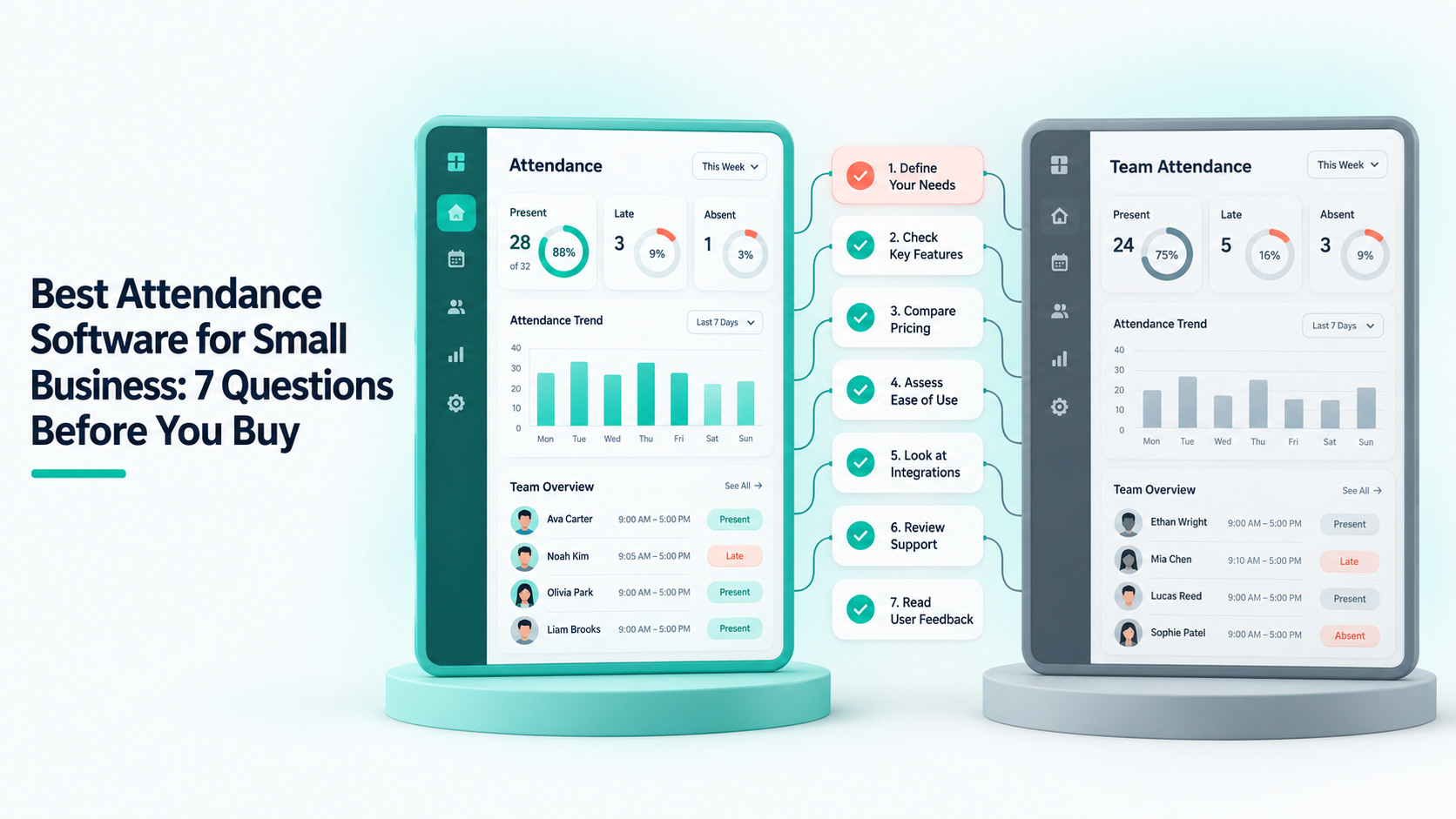
Seven questions worth asking every vendor
1. What happens when someone forgets to clock out?
This happens weekly in every company. The answer tells you a lot: does the shift stay open forever, auto-close at a sensible time, flag for review, or silently record a 14-hour day that flows into payroll? Ask to see the correction flow, not just hear that one exists.
2. Is there an audit trail on edits?
Specifically: if a manager changes a recorded time, can you later see the original value and who changed it? If not, your records are editable-without-trace, which undermines the compliance case entirely.
3. Does approved leave mark attendance automatically?
If the answer involves the word “export”, you are buying a monthly reconciliation job along with the software.
4. What can a team lead see, versus HR, versus finance?
Two-role systems (admin and employee) force you to over-grant access. If you have more than about fifteen people, you want a lead to see their own team and nobody else’s.
5. How is it priced as we grow?
Per-seat pricing is honest and predictable. Be careful with “unlimited” plans: unlimited usually means the vendor has not modelled their own costs, and the plan gets restructured later. Also check what happens at the seat boundary — some tools block new hires until you upgrade mid-month.
6. What does the employee see?
Ask for a demo of the employee view, not just the admin dashboard. If employees cannot see their own attendance record, expect disputes and low adoption.
7. How do we get our data out?
Ask before you buy, not when you are leaving. Attendance history is a legal record in most jurisdictions, and “we can generate a report” is not the same as a complete export.
What small teams over-buy
Three features get sold hard and rarely earn their cost at under about fifty people:
Biometric hardware. Fingerprint and face terminals solve buddy punching, which is a real problem in shift work with physical premises — and a non-problem for an office or remote team. The hardware, installation and the biometric-data compliance burden are all real.
Continuous screenshot monitoring. Useful for agencies billing clients by the hour against a contract that requires proof. For a salaried in-house team it mostly buys resentment. If you do need it, be explicit with staff about what is captured and how long it is kept.
Shift-scheduling suites. Genuinely valuable if you run rotas across locations. Dead weight if everyone works the same hours. Do not pay for a scheduling engine to record a 9-to-5.
What small teams under-buy
The reverse is also true. The things that quietly matter most are unglamorous: a leave workflow people will actually use, permissions that match the org chart, and payroll that reads attendance directly rather than through an export. None of those demo impressively. All of them decide whether the tool is still in use a year later.
A reasonable shortlist process
Pick two tools, not six. Run each for one full week with real staff and real data — not the sales demo data. At the end of the week, run one payroll cycle on paper from each system’s numbers and compare them to what you would have paid from your current process. The differences are the entire evaluation. Everything else is aesthetics.
The disclosure: Shiftena is our product, and it is built around the unglamorous list rather than the over-bought one — attendance, leave, payroll, contracts and work boards in one workspace, with per-team permissions and payroll computed from the attendance rows themselves. It is a poor fit if you need biometric terminals or multi-site rota planning. You can try it free for 30 days without a card, and the getting started guide shows the setup in full before you commit to anything.
Read next